Verify the download source
Start from a website address you checked yourself. Avoid unrequested links and lookalike domains before opening an installer.
Read the guide ↗From your first backup to multi-chain asset reviews, explore practical ways to build confidence around digital wallet decisions.
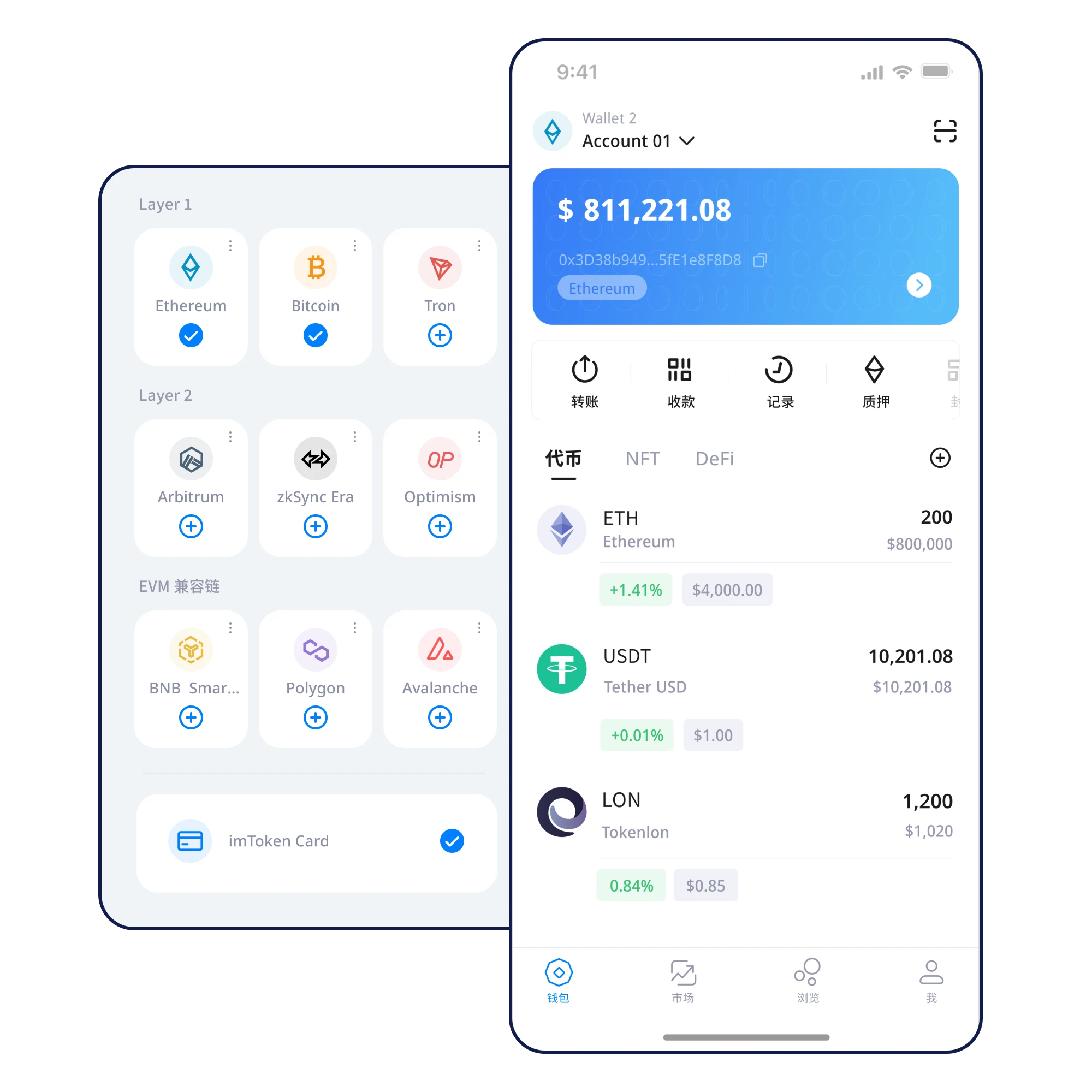
This illustrative wallet panel groups sample BTC, ETH and USDT rows. It is a visual example, not a connected account or live quote.
Understand multi-chain assets ↗A full-width path through the decisions that matter most.
Start from a website address you checked yourself. Avoid unrequested links and lookalike domains before opening an installer.
Read the guide ↗Review device health and application permissions. Choose between creating a new wallet and importing an existing one.
Read the guide ↗Write the phrase in its original order in a private place. Keep it out of screenshots, messages and cloud storage.
Read the guide ↗Check your transcription and consider physical loss, disclosure and access when selecting a location to store it.
Read the guide ↗Understand chain-specific balances, token contracts and the difference between an asset name and its blockchain.
Read the guide ↗Confirm the destination address, network, token, amount and fees before broadcasting an irreversible transaction.
Read the guide ↗Signing credentials deserve clear boundaries, independent backups and careful device protection.
Learn more ↗
A well-kept recovery record is more useful than an emergency search for a forgotten phrase.
Learn more ↗
Look at destination, network, amount and permissions—not just the confirmation button.
Learn more ↗
Keep your credentials in your control.
Review network, address, amount and approvals.
Prepare a backup before it becomes urgent.
Browse a structured knowledge path without losing sight of the product.
Fraudulent download pages, leaked recovery words, wrong networks and clipboard changes are practical risks worth reviewing each time.
Recognize phishing risk ↗This site explains self-custody principles. Check the actual application’s key-control documentation to understand who can authorize transactions.
Network access is generally needed for current blockchain balances and broadcasting transactions, not for storing an offline backup.
Write it down in order in a private setting. Keep it offline and never send it to a person or online service.
A private key signs for an account; a recovery phrase may derive multiple accounts. Both demand strict protection.
Verify the source, protect recovery material, and review every transaction.
⬇ Download Now